Days 1-2
Kick-off
A short call to meet the team and walk through your site and priorities. We collect access securely — hosting, CMS, DNS, analytics — using the minimum permissions needed, all documented.


THE LOOP
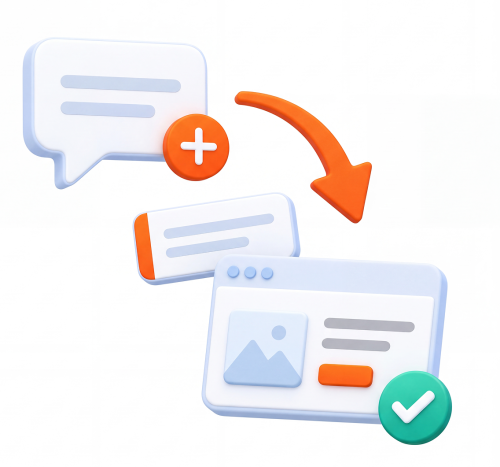
Write the request in plain words — a sentence is enough. Attach screenshots, Figma links or copy docs if you have them. Or email it in and we'll create the card for you.
Same working day, the card gets an estimate and a place in the queue. Anything urgent jumps the line — just say so on the card.
Design tasks go to designers, dev tasks to developers. The card moves to In Progress so you can see it's being worked on, with questions asked right on the card.
The card moves to Done with links, screenshots and the time logged. You review; if anything's off, it goes straight back with a comment. No formal revision rounds.

ONBOARDING
From signup to your first completed task, the first week looks like this:
Days 1-2
A short call to meet the team and walk through your site and priorities. We collect access securely — hosting, CMS, DNS, analytics — using the minimum permissions needed, all documented.
Days 2-3
We run a technical once-over of your site: versions, backups, performance, obvious risks. Anything alarming gets flagged before we change a thing.
Days 3-4
Your Trello board and Slack (or Teams) channel go live. We load your first tasks onto the board together so nothing gets lost from the kick-off call.
Day 5
Work starts in priority order. Most clients see their first Done column entries before the week is out.

Because your marketing team already thinks in boards, not tickets. A board shows the whole picture at a glance — what's queued, what's moving, what's done — and adding a task takes ten seconds.
The tool disappears; the work is what's visible.
Pick a plan and your board can be live this week — or book a call and we'll walk you through a real one.